
Download Windows Malicious Software Removal Tool – Free, Secure, Fast Virus Scanner for Windows
What Is the Windows Malicious Software Removal Tool?
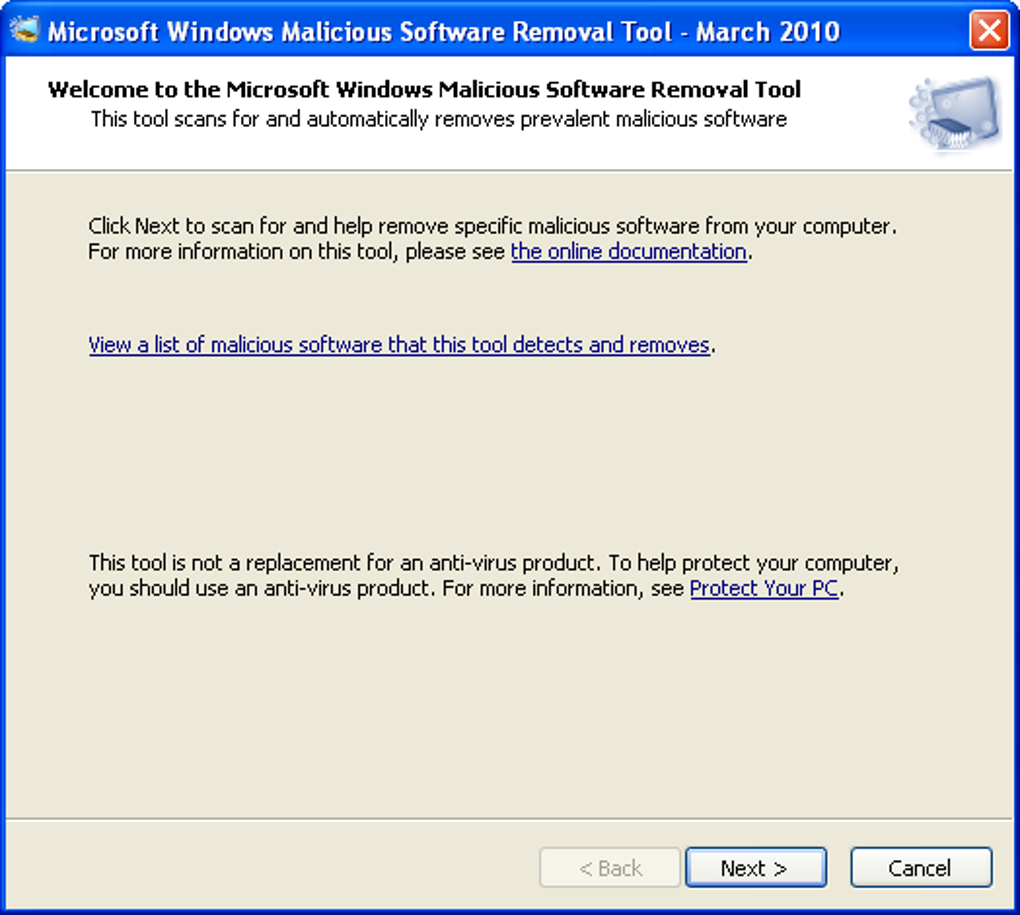
The Windows Malicious Software Removal Tool is a lightweight, portable utility developed by Microsoft to detect and remove specific, widespread malware threats from Windows systems. Unlike full antivirus suites, this tool isn’t designed to provide continuous protection. Instead, it serves as a targeted, on-demand scanner that complements your existing security software. It’s particularly useful in scenarios where you suspect a system infection but don’t want to run a full antivirus scan, or when you’re helping someone else troubleshoot a potentially compromised machine.
One of the key strengths of this tool is its simplicity. With no complex interface or configuration options, it’s ideal for users who want a no-frills, fast way to check for known malicious software. It runs silently in the background and delivers clear results, making it accessible even for less tech-savvy individuals. The tool is updated monthly by Microsoft and is distributed via Windows Update, ensuring it stays current with the latest threats.
Although it’s not a replacement for a comprehensive antivirus solution, the Windows Malicious Software Removal Tool plays a valuable role in a layered security strategy. It’s especially beneficial when you’re dealing with systems that may have missed a threat during a routine scan, or when you need a quick, reliable way to verify a machine’s cleanliness before sharing files or transferring data. Its portability means you can carry it on a USB drive and run it from any Windows PC without installation.
Key Features and How to Use the Tool
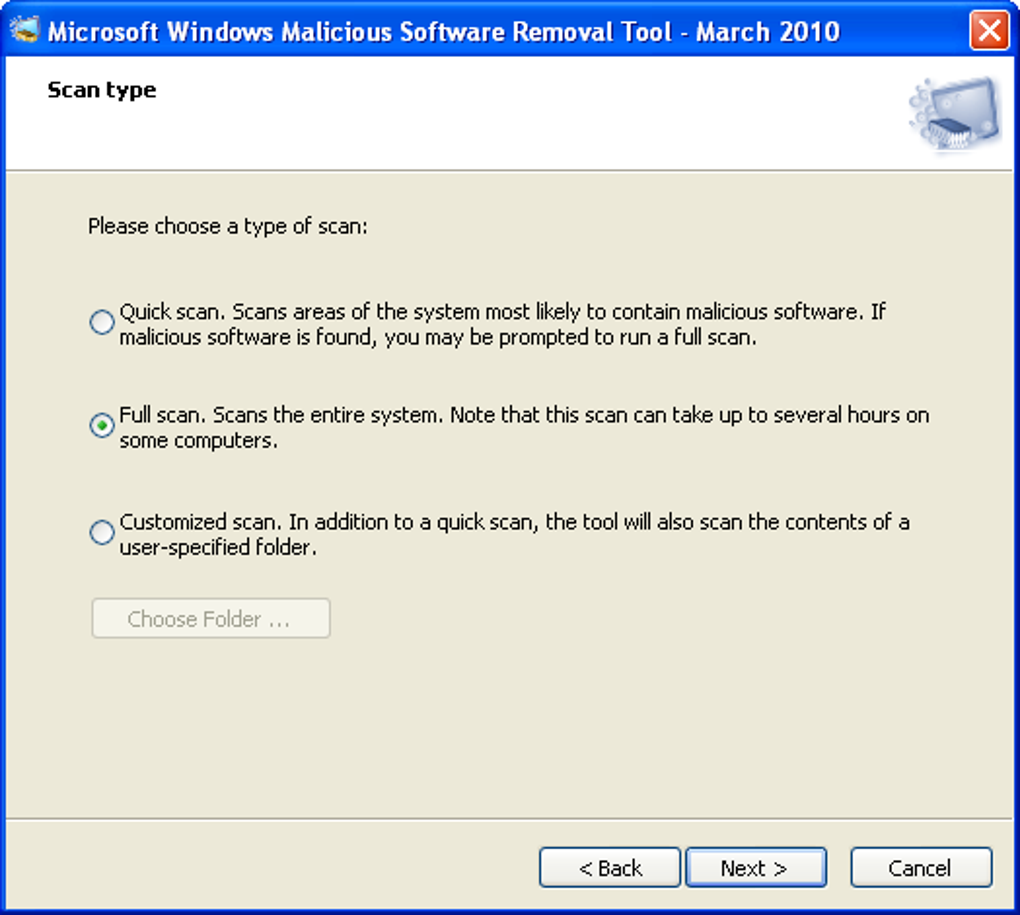
Despite its minimalistic design, the Windows Malicious Software Removal Tool offers a few powerful features that make it a trusted addition to any digital security toolkit. The tool supports three distinct scan types: Quick Scan, Full Scan, and Customized Scan. The Quick Scan focuses on common infection hotspots such as startup programs, system folders, and known vulnerable areas. It’s ideal for a fast check when you suspect a minor issue.
The Full Scan dives deeper, examining every file and folder on the system drive, which is useful when you’re investigating a more serious infection. The Customized Scan combines the speed of a Quick Scan with the flexibility of targeting a specific folder or file path, perfect for checking a suspicious USB drive or downloaded file.
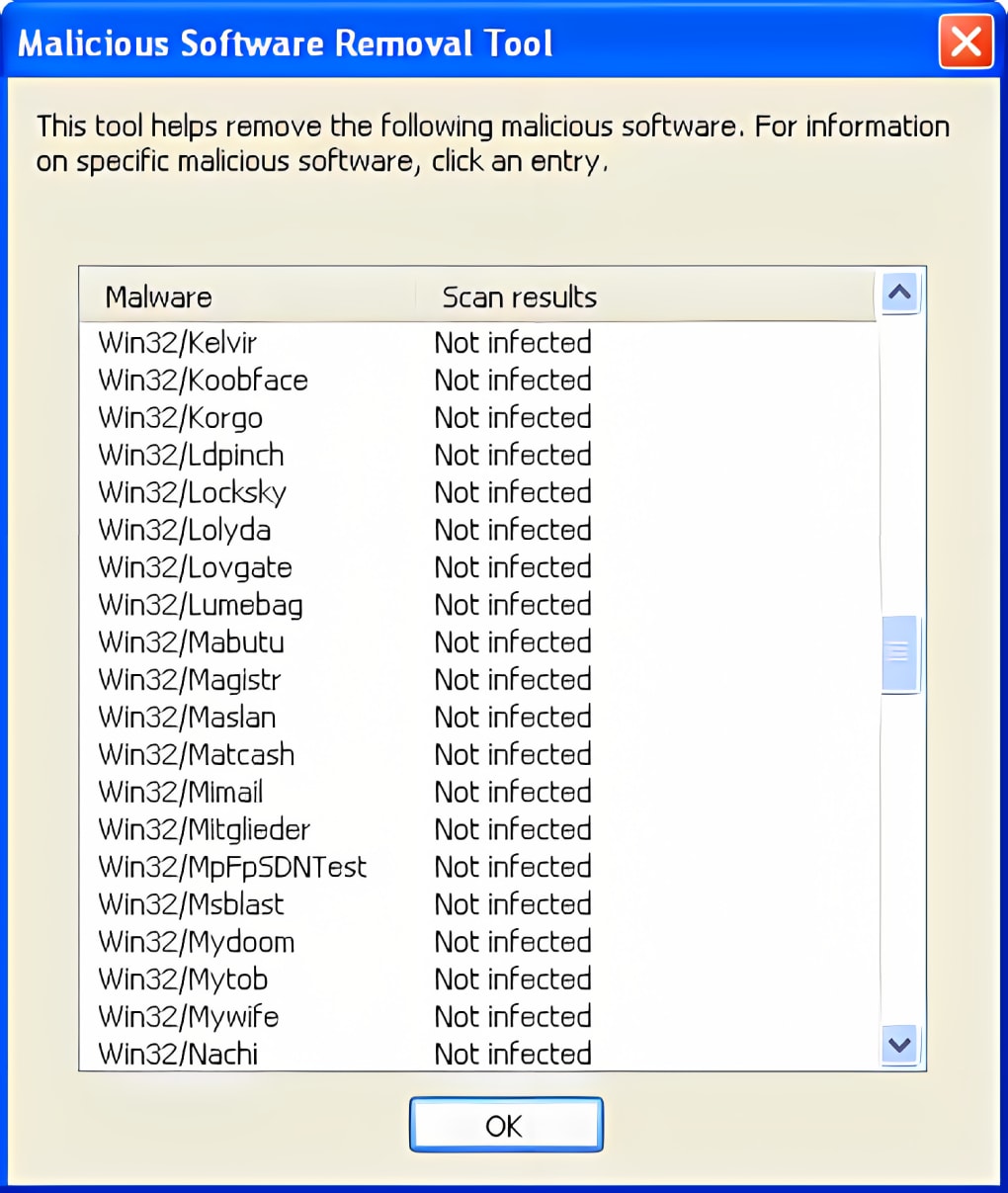
After the scan completes, the tool generates a detailed report that logs all detected threats and actions taken. This report can be saved and reviewed later, or shared with IT professionals for further analysis. The tool also integrates with Microsoft’s security intelligence network, allowing it to detect and remove known malware variants such as trojans, spyware, and ransomware that have been widely distributed.
Usage is straightforward: simply download the tool from Microsoft’s official site, extract the file, and run it. No installation is required. The tool runs as a standalone executable, making it safe to use on multiple systems without leaving traces behind.
Compatibility, Installation, and Security
The Windows Malicious Software Removal Tool is compatible with a wide range of Windows operating systems, including Windows 10, Windows 11, Windows 8.1, and Windows 7 (with Service Pack 1). It’s designed to run on both 32-bit and 64-bit architectures, ensuring broad accessibility across older and newer hardware. This makes it an excellent choice for IT professionals, system administrators, and even casual users who need a reliable, on-the-go security check.
Installation is not required—this is a truly portable tool. You can download the executable file, place it on a USB drive, and run it from any Windows PC. This portability is especially useful in environments where installing software is restricted, such as public computers, school labs, or corporate workstations.
Security is a top priority. The tool is digitally signed by Microsoft, ensuring its authenticity and integrity. It only accesses system files and directories related to known malware threats, minimizing the risk of false positives or system disruption. Regular updates ensure it remains effective against emerging threats, and since it’s distributed through Microsoft’s secure channels, you can trust the download source.
For best results, run the tool after disconnecting from the internet to prevent malware from communicating with command-and-control servers during the scan. Always keep your system updated and use this tool as part of a broader security strategy that includes a trusted antivirus, firewall, and regular backups.
Pros and Cons at a Glance
- Pros:
- Free and officially distributed by Microsoft – no cost or risk of malware
- Lightweight and portable – no installation required
- Fast and efficient scans with minimal system impact
- Monthly updates ensure detection of the latest threats
- Simple, no-frills interface – ideal for beginners
- Supports multiple scan types: Quick, Full, and Customized
- Cons:
- Not a real-time antivirus – does not provide continuous protection
- Limited to known malware – cannot detect new or zero-day threats
- No configuration options or advanced settings
- Only scans Windows systems – not compatible with Mac, Android, or iOS
- Results are not integrated with other security tools
Frequently Asked Questions (FAQ)
Is the Windows Malicious Software Removal Tool free to download?
Yes, the Windows Malicious Software Removal Tool is completely free to download and use. It’s officially released by Microsoft and available directly from their secure website. There are no hidden fees or premium features.
Can I use this tool on Windows 11?
Absolutely. The tool is fully compatible with Windows 11, as well as Windows 10, 8.1, and Windows 7 (with SP1). Microsoft regularly updates it to support the latest operating systems.
Does this tool replace my antivirus software?
No, it does not replace your antivirus. The Windows Malicious Software Removal Tool is a complementary utility that scans for known malware but does not provide real-time protection. It’s best used alongside a full antivirus suite for optimal security.
How often is the tool updated?
Microsoft releases updates to the tool on a monthly basis, typically through Windows Update. These updates ensure it can detect the latest widespread malware threats.
Can I run this tool on a Mac or Android device?
No, the tool is designed exclusively for Windows operating systems. It is not available for Mac, iOS, or Android devices. Users of other platforms should rely on native security tools or third-party antivirus software.
Final Verdict: Is It Worth Downloading?
While the Windows Malicious Software Removal Tool isn’t a full antivirus solution, it’s a reliable, secure, and fast way to check your system for known malware. Its simplicity, portability, and official backing by Microsoft make it a valuable tool for both everyday users and IT professionals. Whether you’re troubleshooting a friend’s PC, preparing a system for transfer, or just want an extra layer of security, this tool delivers results without the bloat.
For those seeking a lightweight, no-cost option to complement their existing antivirus, downloading the Windows Malicious Software Removal Tool is a smart move. It’s easy to use, fast, and trusted by millions. Don’t wait for an infection to spread—run a quick scan today and keep your system clean and secure.
Download the tool now and add a trusted security layer to your digital life.
Home Software Security Tools






